Documentation Tooling Project (Docusaurus Site)
This project involved auditing and improving the Getting Started section for the JSONPlaceholder API using Docusaurus. The goal was to create a clean, scalable, and user-friendly docs-as-code workflow.
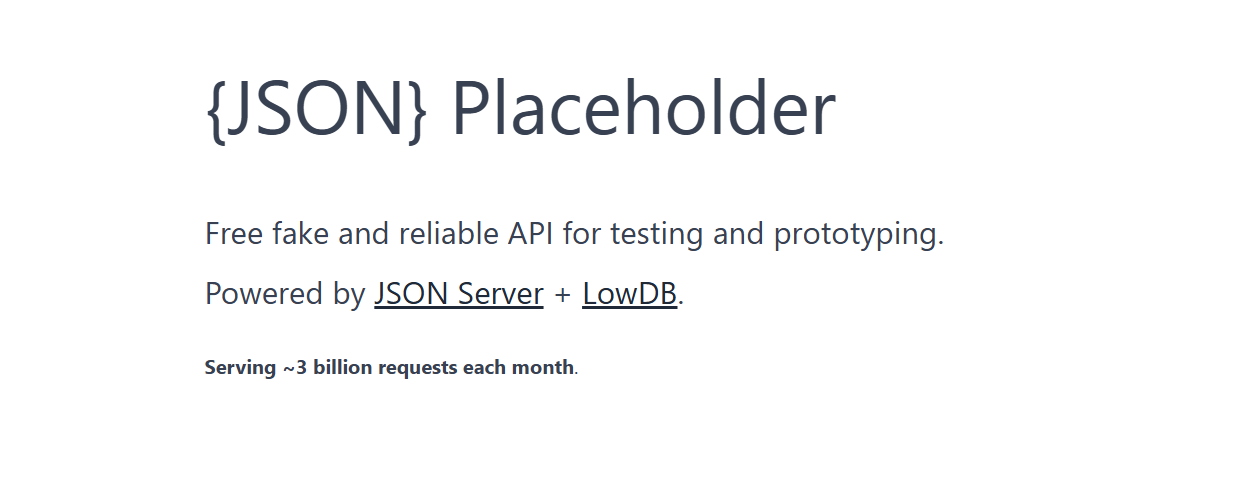
Project Structure
- intro.md – Provides an overview of JSONPlaceholder and its endpoints.
- getting-started.md – Step-by-step installation and setup guide.
- api-overview.md – Highlights key endpoints with examples and explanations.
Key Improvements
- Clearer Steps: Rewrote long and confusing paragraphs into short, actionable instructions.
- Navigation & Sidebar: Organized pages so users can easily find setup instructions and API info.
- UI Enhancements: Added callouts for tips, accordion sections for optional details, and suggested spots for screenshots.
- Code Examples: Added runnable examples for JSONPlaceholder endpoints using
fetchandcurl.
JSONPlaceholder Use Cases
Limitations
- All data is fake (not persistent).
- POST, PUT, PATCH, DELETE requests won't actually change data (they simulate success).
- Great for mocking APIs in front-end apps.
Use Cases
- Testing API integrations.
- Learning REST API basics.
- Prototyping apps before real backend is ready.
- Mocking data in UI components.
Challenges
- Structuring documentation for scalability while keeping it beginner-friendly.
- Choosing the best way to integrate UI components like callouts and accordions without cluttering the page.
What I Learnt
- How to implement a Docs-as-Code workflow using Docusaurus.
- Best practices for API documentation including examples, callouts, and step-by-step guidance.
- How to make documentation visually engaging while maintaining clarity and usability.